How it was built
Small program, careful edges.
The whole pipeline is a few hundred lines of Python. What made it run unattended for
years is the handling around the edges: quotas, retries, duplicates, and crashes.
01
Two sources, one record
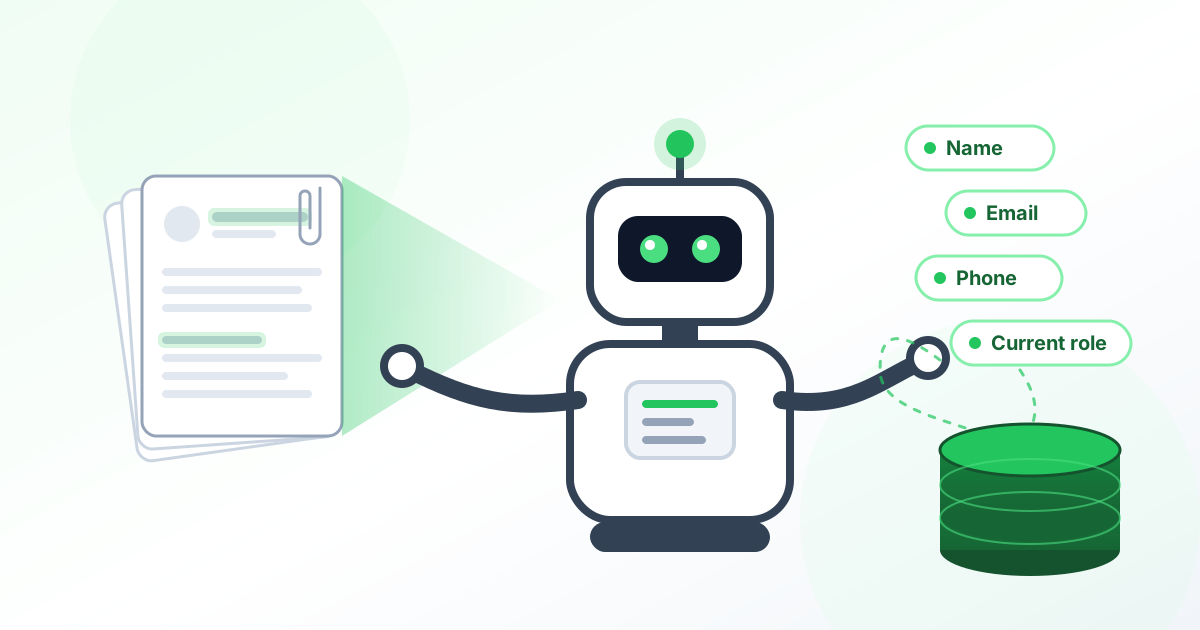
LinkedIn’s application email carries the applicant’s name, current position, location, and the role and location they applied for, in a fixed HTML layout. The parser reads those straight out of the markup. The email address and phone number live in the résumé, so the attachment is opened, whether PDF or Word, and its text is scanned.
02
Regex first, AI when it misses
Phone numbers and email addresses are matched with regular expressions first, because that is fast, free, and right most of the time. Only when a résumé defeats the patterns does the text go to Google Gemini with a single question: find the phone and email. The AI is a fallback, not the front door, which keeps cost and latency low.
03
Never the same applicant twice
Every run looks at a rolling window of recent mail. Before fetching anything heavy, it pulls only the message headers in large batches and checks the database for each message ID. Applications already stored with every field filled are skipped. Ones stored with gaps are marked partial and retried for just the missing fields. New ones are queued. A crash mid-run costs nothing and a re-run never creates a duplicate.
04
Fast without tripping Gmail’s quota
Gmail meters how much mail a client can download. Four worker threads parse résumés and call the AI in parallel, but full message downloads pass through one global rate limiter that hands out evenly spaced time slots across every thread. Overlapping the slow work is what makes it fast. Fetching faster is what would get it blocked, so it does not. If Gmail pushes back anyway, the fetch backs off and retries.
05
A spreadsheet the team already used
The recruiting team did not want a new tool. They wanted their sheet, newest at the top. The sync job reads the highest synced ID from a watermark cell in the sheet itself, selects everything newer from the database, and inserts the batch above row two in one API call, so the watermark advances on its own and the order is gap-free even if a run is missed.
06
Charted for the business
The same table feeds the lead log in the brokerage’s admin console, with daily, weekly, and monthly charts of applicant volume and CSV and Excel export. Ad spend on LinkedIn could be read against applications the next morning.